
The Updated LUMS Basket: An Easier Way to Order Dental Supplies
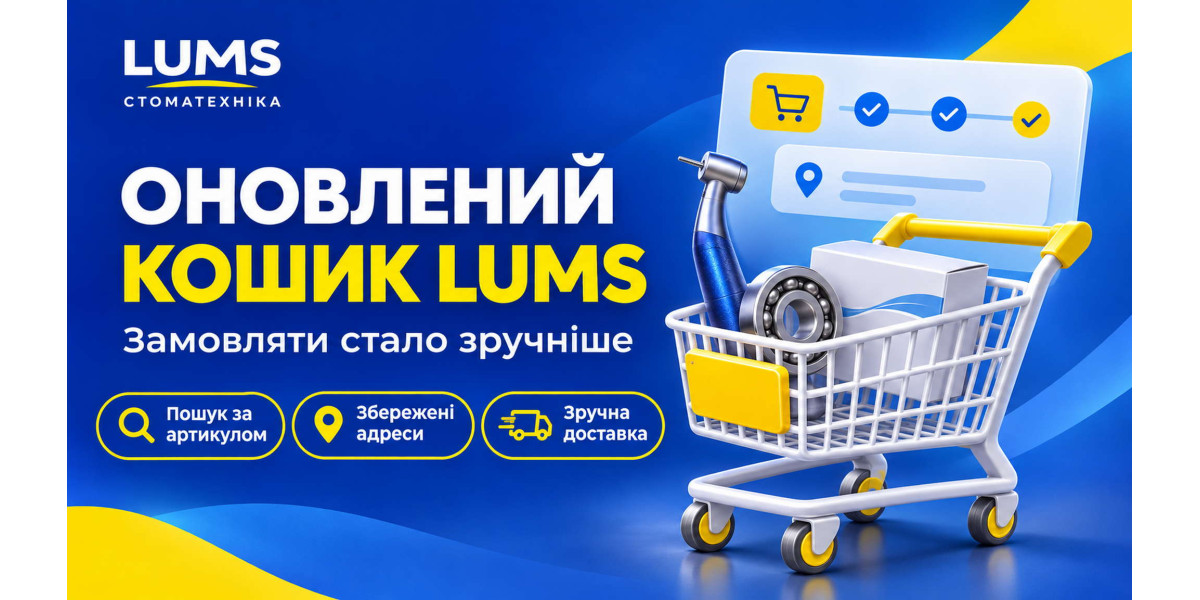
We have updated the LUMS shopping basket to make ordering dental supplies, instruments and spare parts more convenient. Your items, contact details, payment options and delivery information are now brought together on one checkout page.
Add more products directly from your basket
Forgot to add another part to your order? You do not need to return to the catalogue. Use the “Add more products” section to search by product name, model or product code.
Search results show the price and stock quantity. Enter the quantity you need and click “Add”. The search stays open so you can add several products in succession. When you have finished, collapse the search section — your search query will be retained.
If a product requires you to select options, open its product page and choose the appropriate variant before adding it.
Review your order in one place
You can change quantities, remove unwanted items and check the updated order total directly in your basket. Before placing your order, review the product names, codes and quantities.
For spare parts, compatibility with your equipment is particularly important. If you are unsure, include your equipment model or your question in the order notes. Our manager will help clarify the details.
Check out as a guest or sign in to your account
For a one-off purchase, you can continue as a guest and enter your contact details without creating an account.
If you already have an account, click “Sign in”. A sign-in window opens directly on the checkout page. Once signed in, you can access your profile details and saved addresses. Contact and delivery information you have already entered manually will not be overwritten.
Choose Nova Poshta delivery
For delivery to a Nova Poshta branch or parcel locker, select your city from the list, then choose a collection point. You can search for a branch or locker by number or address.
After selecting a branch, you can view its address, opening hours and location on a map where this information is available in the carrier’s directory.
For address delivery, enter the city, street and building number. If you select store pickup, our manager will confirm the collection arrangements.
Have a saved address? Select it in the highlighted section and check the details before confirming your order. If a previously used branch is no longer available or the address needs updating, select a current option from the list.
City and branch names are displayed as provided by the carrier’s directory. When searching for a city, enter its name in Ukrainian.
Delivery costs are estimated separately
The basket can display an estimated delivery cost to help you plan your purchase. This estimate is not a final delivery charge.
Nova Poshta determines the final cost according to the shipment details, packaging and current tariffs. The recipient pays delivery separately from the cost of the products.
What happens after you place your order?
After checkout, you will see a confirmation page with your order number, ordered products, quantities, amounts, payment method and delivery details.
Our manager will check your order and stock availability, confirm any necessary details and send the bank transfer instructions. Further guidance is available on the Payment Information page.
If a product is unavailable or the requested quantity is not in stock, our manager will check whether it can be ordered and advise you of the estimated waiting time.
Add the products you need, review your basket and leave an order note if you need help choosing the right part. Thank you for choosing LUMS!